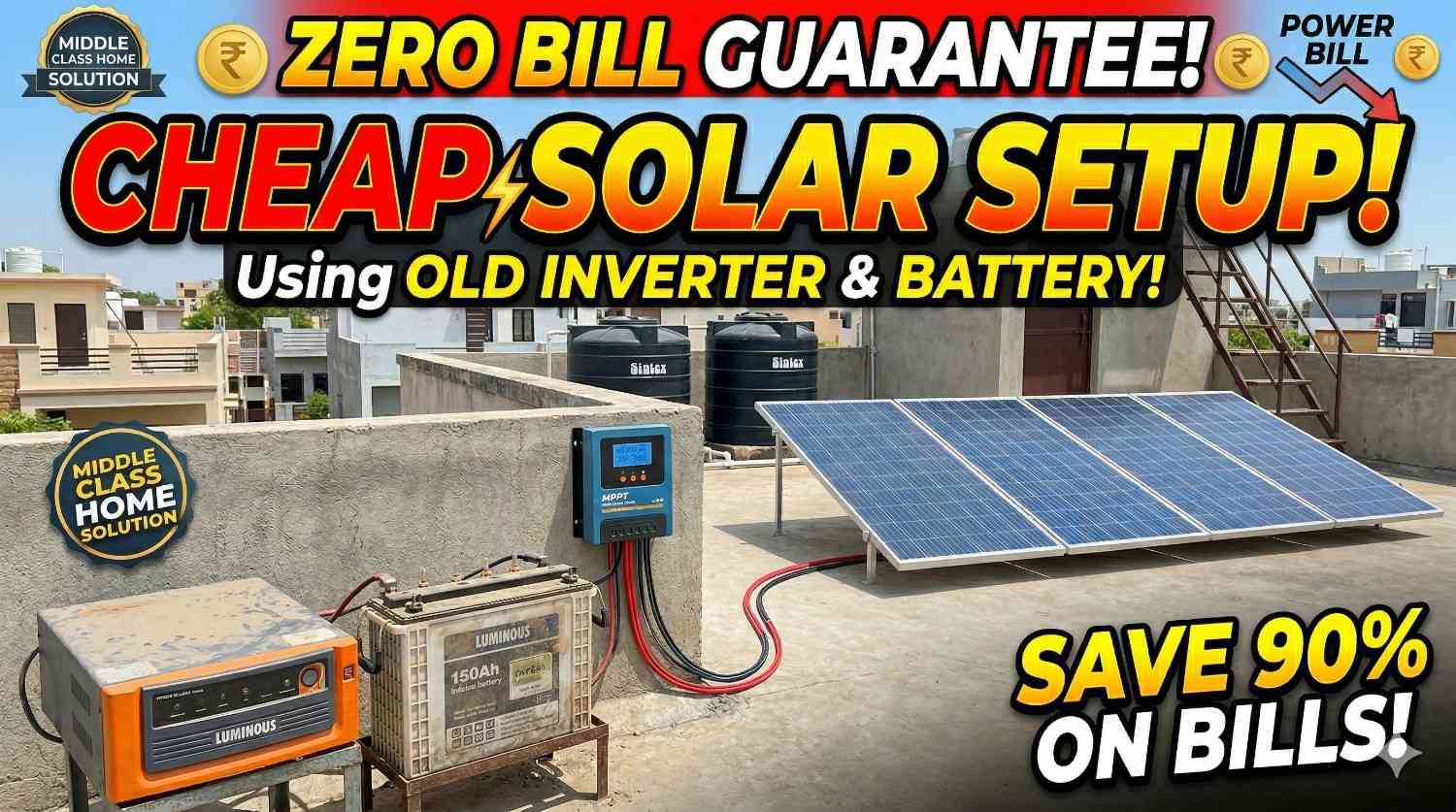
If you already have an inverter and battery at home, you can save a lot of money by adding solar panels instead of buying a completely new solar system.
Many homeowners already use a normal inverter and battery for backup during power cuts. By installing solar panels, you can charge the battery during the daytime, reduce electricity bills, and increase backup hours.
In this article, you will learn how to connect solar panels to an existing inverter and battery, which solar panel size is best, how much backup you can get, and how long the battery takes to charge.
Existing Inverter and Battery Setup

The setup discussed in this guide includes:
- Luminous Power Sine 850 Pure Sine Wave Inverter
- Luminous RC 18000 Pro 150Ah Tubular Battery


This is a 700VA inverter with a single 12V battery setup. It is ideal for running small household appliances during power cuts.
Read More: 1kW Solar Panel Full Set Price in India (2026) With Subsidy, Battery & Inverter
You can easily run:
- LED bulbs
- Ceiling fans
- TV
- Wi‑Fi router
- Laptop
- Small cooler
However, this inverter is not suitable for:
- Air conditioner
- Geyser
- Water pump
- Induction cooktop
- Iron press
- Heavy refrigerator
Can You Add Solar Panels to a Normal Inverter?
Yes, you can add solar panels to a normal inverter.
However, because the inverter is not a solar inverter, you will need an MPPT solar charge controller.
The solar charge controller works between the solar panels and battery. Its job is to:
- Charge the battery safely
- Prevent overcharging
- Improve charging speed
- Increase solar efficiency
- Supply solar energy during daytime
Without a charge controller, solar panels should not be directly connected to the battery.
Best Solar Panel Size for 700VA Inverter
For a 700VA inverter with a 150Ah battery, the best solar panel size is between 500W and 600W.
Recommended solar panel combinations:
- 2 x 250W solar panels

- 2 x 300W solar panels
A 1kW solar panel setup is usually not recommended for this inverter because the inverter and battery cannot fully utilize that much solar power.
If you want to install a 1kW solar system in the future, it is better to upgrade to a solar inverter.
Required Components for Solar Setup
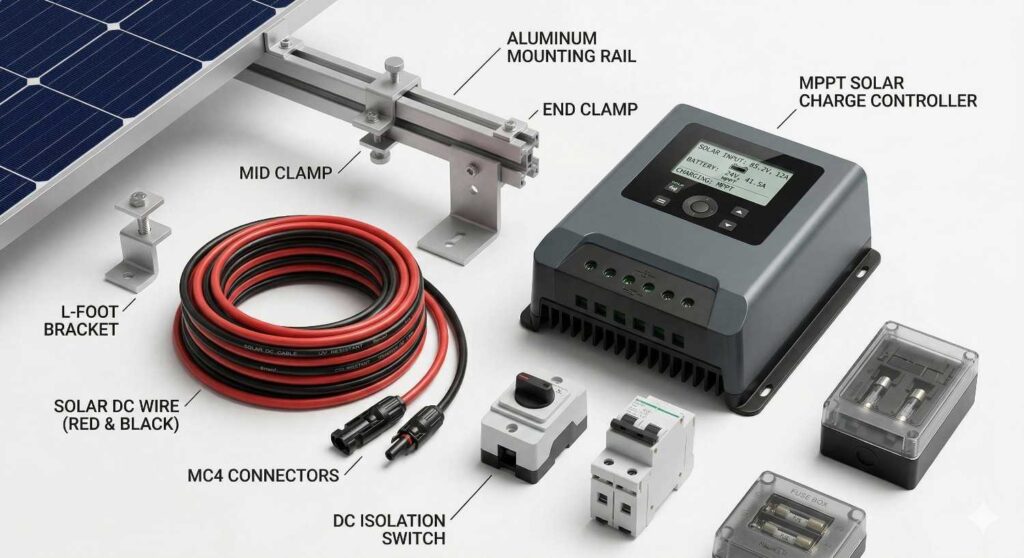
To add solar panels to your existing inverter and battery, you will need the following items:
1.Solar panels (500W to 600W)

2. 40A MPPT solar charge controller

3. Solar mounting structure

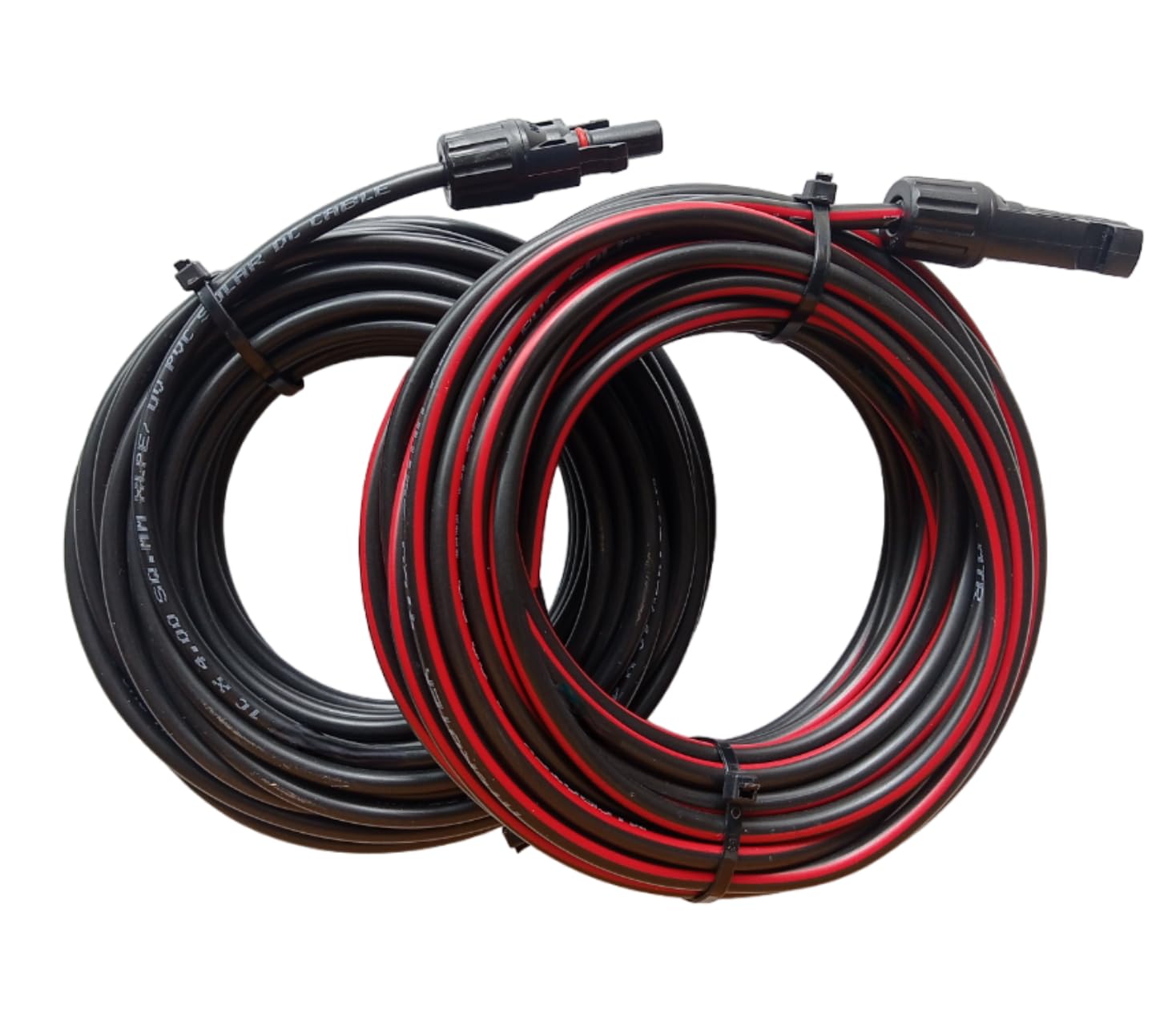
4. Solar DC wire
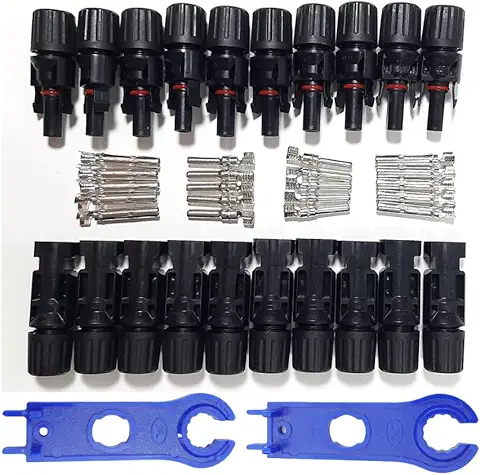
5. MC4 connectors
6. Safety fuse or MCB

These components are necessary for a safe and efficient solar installation.
Approximate Cost of Solar Setup
| Item | Estimated Cost |
|---|---|
| 500W–600W Solar Panels | ₹12,000 – ₹18,000 |
| 40A MPPT Charge Controller | ₹4,000 – ₹7,000 |
| Solar Structure and Wiring | ₹3,000 – ₹5,000 |
| Total Cost | ₹20,000 – ₹30,000 |
Backup Time for Home Appliances
With a 150Ah battery and a 700VA inverter, the backup time depends on how many appliances you are using.
| Appliance Combination | Approximate Load | Estimated Backup Time |
| 3 LED Bulbs + 2 Fans + Wi‑Fi Router | 150W | 8–10 Hours |
| 4 Fans + 4 LED Bulbs + TV | 250W | 5–6 Hours |
| 4 Fans + TV + Router + Laptop | 300W | 4–5 Hours |
| Small Refrigerator + 2 Fans + LED Bulbs | 350W | 3–4 Hours |
| Full Load Near Inverter Capacity | 500W–550W | 2–3 Hours |
These backup times are approximate and may vary depending on battery condition, inverter efficiency, and appliance usage.
Can You Use Appliances and Charge the Battery at the Same Time?
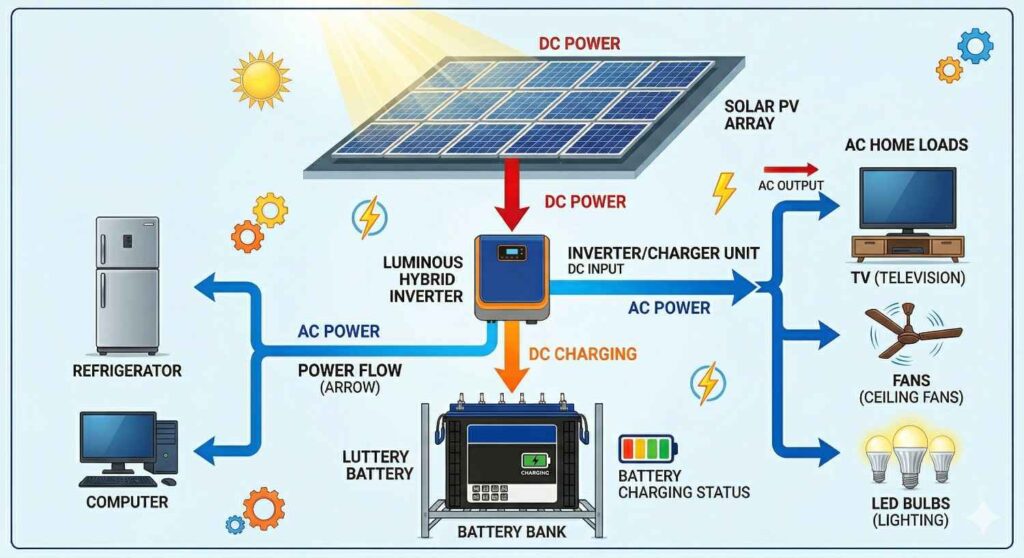
Yes, if solar panels are installed, you can use appliances and charge the battery at the same time.
During the day, solar panels first supply power to the running appliances. The remaining solar power is then used to charge the battery.
For example:
- Solar panel generation = 500W
- Home appliance load = 200W
- Remaining power for battery charging = 300W
This means your fans, lights, TV, and router can run during the day while the battery also keeps charging.
Battery Charging Time with Running Load
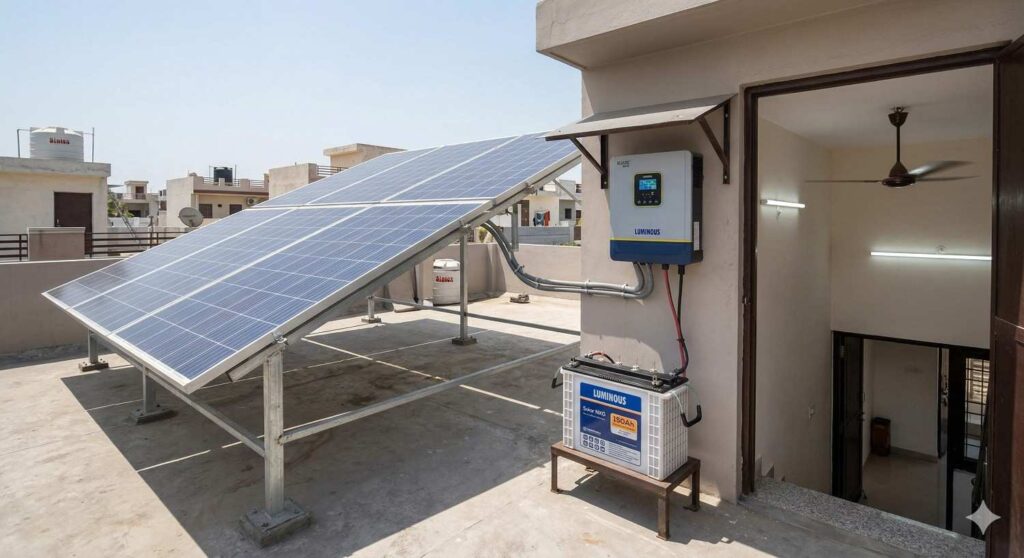
The battery charging time depends on how much solar power is left after running household appliances.
| Solar Panel Output | Running Load | Remaining Charging Power | Estimated Charging Time |
| 500W | No Load | 500W | 4–5 Hours |
| 500W | 100W Load | 400W | 5–6 Hours |
| 500W | 200W Load | 300W | 6–7 Hours |
| 500W | 300W Load | 200W | 8–10 Hours |
| 600W | 200W Load | 400W | 5–6 Hours |
These charging times assume good sunlight conditions for around 5 to 6 hours per day.
If appliance usage is higher, the battery will charge more slowly because most of the solar energy will be consumed by the running load.
Should You Upgrade to a Solar Inverter?
If your daily electricity usage is low and you only need lights, fans, TV, and Wi‑Fi, your existing inverter and battery are enough.
However, if you want to run heavy appliances or install a larger solar system, you should consider upgrading to a solar inverter such as:
- Luminous NXG 1150 Solar Inverter
- Microtek Hybrid Solar Inverter
A solar inverter can handle more solar panels, charge batteries faster, and provide better performance.